
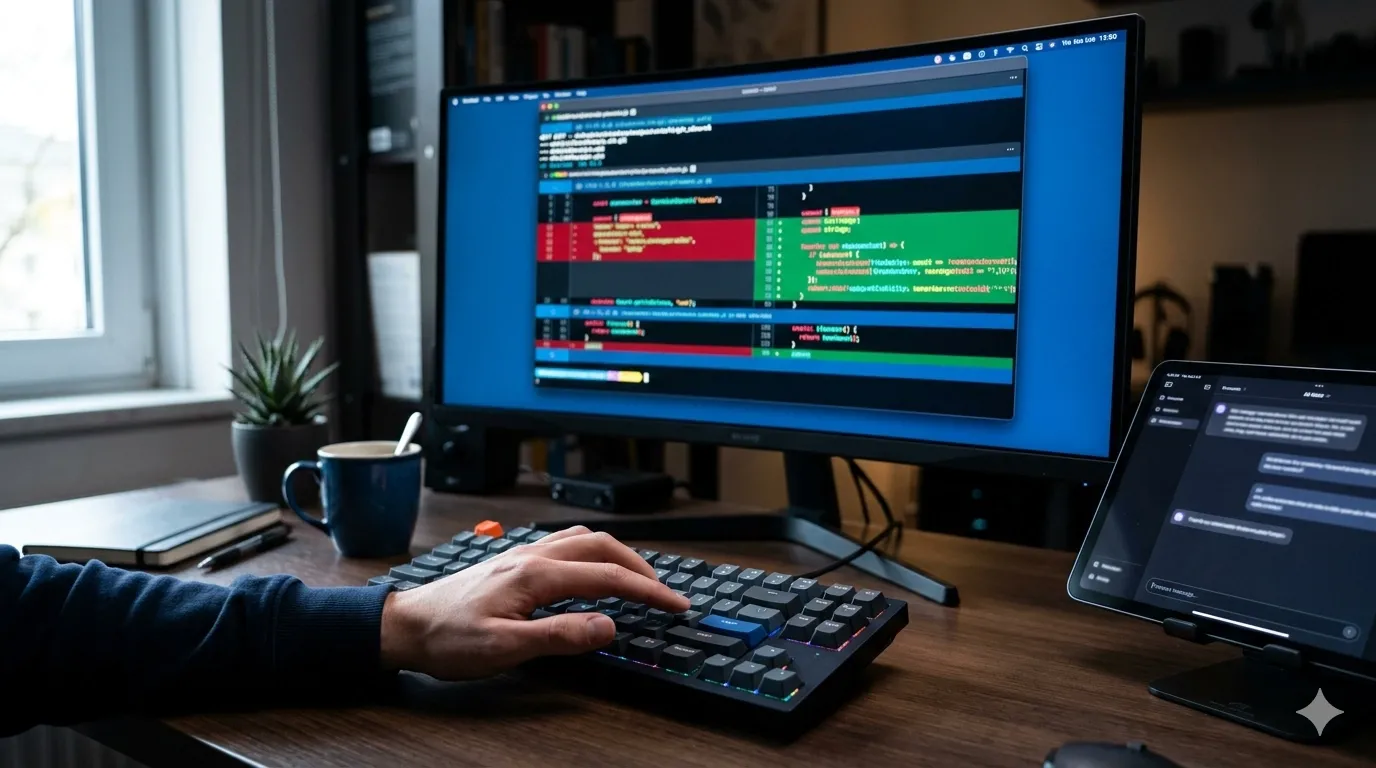
Most AI coding assistants work in one of two modes: they either suggest code you have to copy-paste (Copilot, Claude in the browser), or they auto-apply changes and you clean up the mess afterward (some autonomous agents). Aider splits the difference. It's a command-line tool that lets you chat with an AI, watch it edit your files in real-time, review the diff, and then you decide whether to commit. It's pair programming where the AI writes and you drive version control.
I haven't deployed it yet, but the use case is too compelling to ignore: I need a way to let an LLM refactor or scaffold code without giving it auto-commit access. Aider's manual commit gate is exactly the control level I want when AI is writing production code. The AI proposes changes, I review them with git diff, and if they're good I commit them myself. If they're wrong, I reject and refine. That checkpoint is what's missing from most AI coding tools.
What Aider Actually Does
Aider is a Python CLI tool that opens a chat session in your terminal. You describe a task in plain language, and Aider uses an LLM (GPT-4, Claude 3.5 Sonnet, or a dozen other models) to edit the files in your repository. It reads your existing code for context, proposes changes, and writes them directly to disk. You see the changes immediately in your editor or via git diff.
The key difference from browser-based AI chats: Aider has full read/write access to your repo. It knows your file structure, can read imports and dependencies, and edits multiple files in a single session if the task requires it. It also uses git to track what it changes, so you can roll back easily if something breaks.
Here's what a typical session looks like, based on the docs and demo videos:
$ aider src/parser.py src/utils.py

Aider v0.x.x
Model: claude-3-5-sonnet-20241022
Git repo: /home/dev/my-project
Files: src/parser.py, src/utils.py

> Add error handling to parse_config() and log errors to utils.logger

[... Aider reads both files, thinks, and edits them ...]

Applied changes to:
- src/parser.py
- src/utils.py

> /diff

[... shows git diff of what changed ...]

> /commit "Add error handling to config parser"

Committed: a3f8b2c
You're in a loop: ask for a change, review it, commit or undo, repeat. The AI doesn't auto-commit. You do. That's the "manual commit switch" — and it's the reason this tool is at the top of my "test next" list.
Why the Manual Commit Gate Matters
I've used AI assistants that auto-apply changes. The problem is: when the AI is wrong (and it will be, eventually), you don't always notice immediately. You run tests, they pass, you move on. Three days later you discover the AI refactored a function and introduced a subtle logic bug that only triggers in production under load.
Aider forces a review checkpoint before the change enters version control. The diff is right there. If I don't understand why Aider changed a line, I can ask it (in the same chat session) or reject the change. If the change looks good, I commit it with a proper message. The commit becomes my commit, not the AI's. I own it. That changes the psychology: I'd review AI-written code the same way I'd review a junior teammate's PR.
It also means every Aider change can be its own commit (or grouped however I want). The git history stays clean and reversible. If I later realize an Aider-written function is wrong, I can git revert that specific commit without untangling five other changes.
The Use Cases I'm Planning to Test
Based on what I've seen in the docs and issues, here's what I want to use Aider for:
- Refactoring large modules into smaller files — Describe the split I want, let Aider move functions, fix imports, and update tests across multiple files. Review the diff, verify imports are correct, then commit.
- Adding type hints to old Python codebases — Point Aider at a file and say "add type hints." It should infer types from usage, add
from typing import ..., and annotate every function. I'd spot-check a few functions, runmypy, then commit if it passes. - Scaffolding new CLI commands or API endpoints — Describe the feature in two sentences, let Aider generate the boilerplate (argparse logic, route handlers, basic tests), review and refine, then commit the starting point.
- Debugging failing tests — Paste the test output into the chat, let Aider read the test file and source, identify the issue (wrong mock, bad import, logic error), propose a fix, verify it works, then commit with a note explaining the root cause.
Every one of those tasks normally takes me 15-45 minutes. If Aider can do them in 2-5 minutes (30 seconds to describe, 30 seconds for AI to write, 1-2 minutes to review), the time savings compound fast. That's the promise I'm testing.
Setup and Model Choices
Installation looks trivial if you have Python:
pip install aider-chat
export ANTHROPIC_API_KEY=sk-ant-...
aider --model claude-3-5-sonnet-20241022
You can also use OpenAI (--model gpt-4o), Google (--model gemini-1.5-pro), or local models via Ollama. I plan to start with Claude 3.5 Sonnet because it's the best balance of accuracy and cost I've found for code generation tasks. GPT-4o is faster but sometimes more verbose. I might test local models later if I'm concerned about sending proprietary code to external APIs.
Aider reads your .gitignore and only accesses files you explicitly add to the chat or that are already tracked. It won't accidentally read your .env or API keys unless you tell it to. You can also run it in --no-auto-commits mode (which is the default) or --auto-commits mode if you trust it fully. I'll stick with manual commits until I've built up trust over dozens of sessions.
Potential Rough Edges (Based on the Docs and Issues)
I spent some time reading the documentation and GitHub issues to understand where people hit problems:
- Context window limits: If you add 10 large files to the chat, you'll hit the model's context limit and Aider will warn you. The solution is to be selective: only add the files that need to change, and let Aider read dependencies on-demand.
- Cost: Running Claude 3.5 Sonnet or GPT-4 on every edit adds up. A 30-minute Aider session with multiple file edits might cost $0.50-$2 in API credits. That's fine for professional work, but it's not free like Copilot (which I pay a flat $10/month for). I'll need to monitor costs carefully in the first month.
- No GUI: It's command-line only. If you're not comfortable in a terminal or prefer a visual diff tool, Aider might feel spartan. I actually prefer terminal UX for this kind of workflow — it's faster than switching between browser and editor — but it won't suit everyone.
- Trust calibration: I expect the first few sessions will require paranoid line-by-line review. After I see the quality and patterns, I'll probably start scanning diffs instead of reading them word-for-word. That's dangerous. I plan to force myself to run tests after every Aider commit, even if the diff looks trivial, until trust is earned.
- Merge conflicts: If I'm working on a branch and someone else merges changes to the same file, Aider doesn't handle merge conflicts automatically. I'd resolve them manually like any other git workflow. Not a bug, just something to know.
How It Compares to Other AI Coding Tools
I've used Copilot, Claude in the browser, and Continue as an open-source AI assistant. Here's how Aider should differ, based on my research:
- vs. Copilot: Copilot autocompletes as you type, one line or function at a time. Aider edits entire files or multiple files in response to a high-level request. Copilot is faster for small edits; Aider should be better for refactoring or scaffolding.
- vs. Claude in the browser: Claude gives you code snippets you copy-paste. Aider writes directly to your files and integrates with git. Aider should be faster and less error-prone (no copy-paste mistakes), but costs more because it uses the API instead of the web UI.
- vs. Continue: Continue is an IDE extension (VS Code, JetBrains) that adds AI chat to your editor. It can edit files too, but the UX is GUI-based. Aider is pure CLI. Continue is better if you want AI embedded in your editor; Aider is better if you live in the terminal and want git integration baked in.
I expect to use Copilot for autocomplete while I'm writing code, and Aider for larger tasks when I want to describe the goal and let the AI figure out the implementation. They should be complementary, not competitive.
The Workflow I Plan to Test
Here's the pattern I'm planning to try first:
- Start a feature branch:
git checkout -b feature/new-thing - Launch Aider with the files I expect to change:
aider src/module.py tests/test_module.py - Describe the task in plain language, as if I'm talking to a junior dev.
- Aider edits the files. I review the diff with
/difforgit diffin another terminal. - If the changes are good, I commit with
/commit "message". If not, I reject and refine the prompt. - Run tests. If they fail, I paste the failure into Aider and ask it to fix the issue.
- Repeat until the feature is done.
- Push the branch and open a PR. The git history should be clean, human-readable commits that I wrote — not generic "AI changes" commits.
This workflow should keep me in control. The AI would be a very fast, very knowledgeable junior developer who needs supervision. I'd be the senior dev who reviews, tests, and decides what ships. If that mental model holds up in practice, Aider will become a daily tool. If the AI makes too many mistakes or the review overhead is too high, I'll scale back to using it only for boilerplate tasks.
Why I Expect to Trust This More Than Autonomous Agents
There's a class of AI tools that promise to "autonomously fix bugs" or "implement features end-to-end" with no human in the loop. I've read the demos. They're impressive, but I don't trust them in production yet. The problem is legibility: when an agent makes five commits across ten files to implement a feature, I can't easily verify that every line is correct. I end up reviewing the code the same way I'd review a PR, but now it's already committed and I'm retroactively checking someone else's work.
Aider shouldn't have that problem. It proposes changes, I review them before they're committed, and I can ask follow-up questions in the same session if I don't understand something. The AI explains its reasoning, I validate it, and then I commit. The human is still the gate. That's the right level of automation for code that will run in production.
Pairing It With Automated Review
Aider writes code. ReviewDog runs linters and posts inline comments. PR-Agent reviews logic and suggests improvements. Together, they should cover the full pipeline:
- I describe a feature to Aider.
- Aider writes the code and I review + commit.
- I push the branch and open a PR.
- ReviewDog runs linters in CI and flags style/safety issues inline.
- PR-Agent reviews the logic and suggests refactorings.
- I (or a teammate) do a final human review and merge.
Each layer catches different problems. Aider is fast, interactive, and gives me a first draft. ReviewDog is deterministic and catches syntax/style issues. PR-Agent is slower and deeper, reasoning about logic. Human review is the final check. The manual commit gate in Aider is the first checkpoint; automated linting and AI review are the second and third checkpoints. By the time a human reviews the PR, most mechanical issues should already be fixed.
When I Wouldn't Use It
Even before testing, I can see where Aider won't be the right tool:
- Exploratory coding — If I'm prototyping and don't know what I want yet, I should write the first draft myself. Aider is better when I have a clear goal.
- Very small edits — If I need to change one line, it's faster to just type it than to launch Aider, describe the change, and review the diff. Copilot autocomplete is better for that.
- Code I don't understand — If the AI is working in a part of the codebase I'm not familiar with, I can't effectively review its changes. I'd either learn that part first, or hand it to someone who knows it.
- High-stakes changes — For database migrations, security-critical code, or anything where a mistake is expensive, I'd still write the code myself and use AI only for suggestions, not direct edits.
It's a power tool, and like any power tool, knowing when not to use it is as important as knowing when to use it. The manual commit switch helps, but it's not a substitute for judgment.
Why This Bookmark Is High Priority
Last week I spent 40 minutes refactoring a 400-line Python module into three smaller files. The work was mechanical: move these functions here, update those imports, adjust the tests. I knew exactly what I wanted, but typing it all out was tedious and error-prone. I made two import mistakes that broke tests, fixed them, and finally got it working.
Aider should do that kind of work in five minutes. I describe the refactoring, it moves the code and fixes the imports, I review the diff to make sure it understood correctly, I run the tests, and if they pass I commit. That's the promise: high-leverage automation for mechanical tasks where I know the goal but don't want to do the typing.
I'm planning to test it on a low-stakes side project first — a small CLI tool I maintain — with simple tasks like adding docstrings, splitting a file, or writing a new subcommand. If the quality is good and the review overhead is low, I'll start using it on production repos for refactoring and scaffolding work. If it's too chatty, too error-prone, or requires more review time than it saves, I'll scale back to only using it for boilerplate generation.
Either way, it's worth testing. The manual commit gate is the key feature that makes me willing to try it. I've bookmarked it, starred the repo, and it's queued for next sprint when I have a few hours to experiment and burn some API credits on real tasks.