
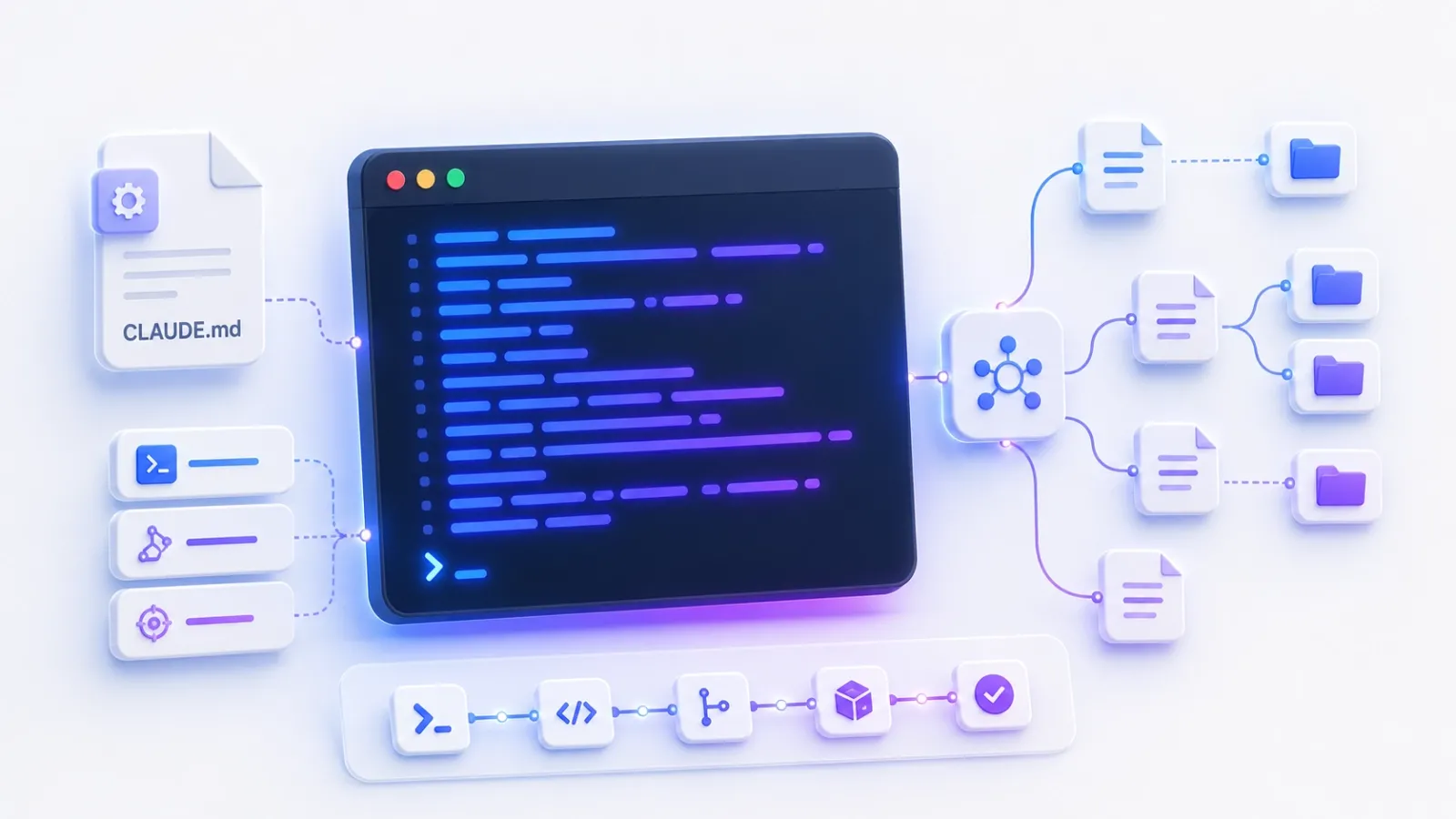
After using Claude Code daily for months, I’ve moved past the basic “type a request and hit enter” stage. The real productivity gains come from treating it as a serious coding partner rather than a fancy autocomplete. Here are the Claude Code workflows that actually moved the needle for me — the ones I wish I had known from day one.
1. Master CLAUDE.md — Your Project’s System Prompt
The single highest-leverage thing you can do is create a CLAUDE.md file in the root of your project. Claude Code automatically reads this file at the start of every session and treats it as permanent context.
Instead of repeating the same instructions every time, I keep the following in my CLAUDE.md:
- Project goals and architecture decisions
- Preferred tech stack patterns and naming conventions
- Non-negotiable rules (e.g. “always use TypeScript strict mode”, “never use inline styles in React”)
- Common pitfalls to avoid for this specific codebase
This turns Claude Code from a generic assistant into a project-aware collaborator. I update this file as the project evolves. It’s the closest thing to giving Claude “institutional memory” of your codebase.
2. Build a Personal Command Library
Claude Code supports custom slash commands. Create a folder called .claude/commands in your project and add markdown files inside it. Each file becomes a reusable command.
Some commands I use constantly:
/refactor-component— explains the component first, then suggests improvements/add-tests— always follows my project’s exact testing pattern/explain-flow— traces data flow across multiple files
This turns repetitive high-quality prompts into one-word commands. The time savings compound quickly.
3. Stop Fighting the Context Window — Control It Instead
One of the best practices I’ve learned is being deliberate about what context I give Claude Code. Instead of dumping entire folders, I use precise @ mentions:
@utils/database.ts @components/Button.tsx @docs/architecture.md
I also frequently use the /clear command to start fresh when switching tasks, and I’ve learned to explicitly tell Claude when I want it to read multiple files versus work from memory.
4. Combine It With Free Claude Code Proxy
One of my favorite setups is running Claude Code through the open-source Free Claude Code proxy. This lets me route different model tiers (Opus, Sonnet, Haiku) to different providers — for example, using a strong local model for simple refactoring and saving my best cloud model for complex architecture work. The workflow feels seamless once configured.
5. Use Non-Interactive Mode for Scripts and Pipelines
Most people only use the interactive terminal. The --print flag unlocks another level:
claude --print "Write a migration script that..." > migration.sql
This makes Claude Code part of automation scripts and dramatically improves reproducibility.
Rough Edges
Claude Code still has limitations. It can be overly verbose if not given strict instructions. Context management becomes tricky on very large codebases. The pricing can add up during heavy refactoring sessions. And like any agentic tool, it sometimes goes down rabbit holes if your initial task definition isn’t sharp.
Despite these issues, the right workflows make it significantly more effective than the default experience most users get.
Final Thought
The difference between casual users and power users of Claude Code isn’t access to secret commands — it’s building repeatable systems around it. A strong CLAUDE.md, a personal command library, deliberate context control, and smart routing have collectively saved me far more time than any single feature.