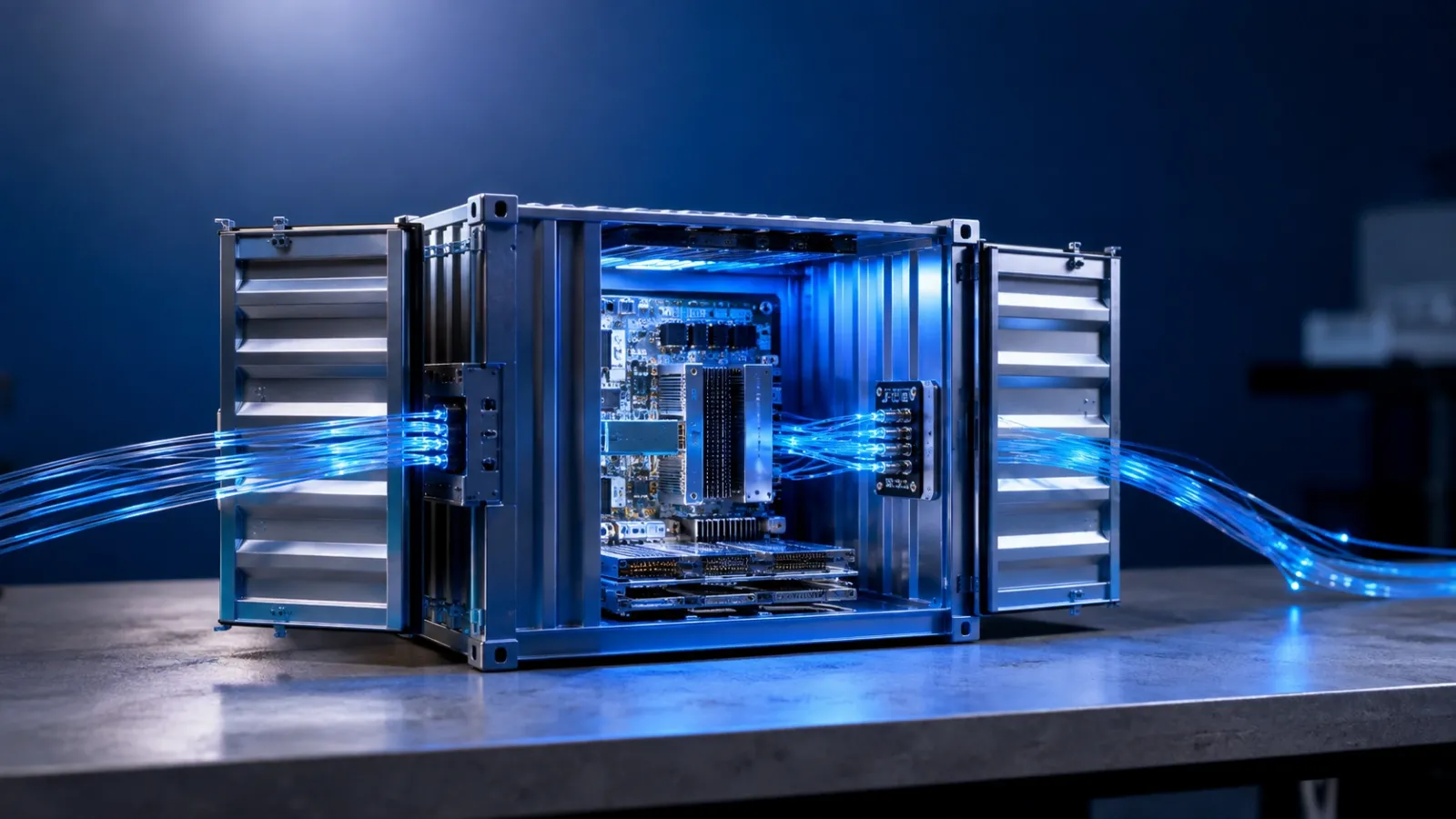
I will walk through the process of building a custom GitHub Action with PHP and Docker in a backend safe format that uses only simple HTML elements. By the end, you will have a reusable action repository with a metadata file, a Docker image, and a PHP entrypoint that can run inside any GitHub Actions workflow.
Prerequisites
- A GitHub repository dedicated to the custom action.
- Docker installed and running locally.
- PHP 8.1 or higher installed locally.
- Composer installed locally.
- GitHub Actions enabled in the repository.
- A Linux runner such as ubuntu-latest for workflows that use the action.
Step 1 - Understand the structure of the action
A Docker based GitHub Action is made up of three main parts. The first is the action.yml file, which defines the name of the action, its inputs, its outputs, and how GitHub should run it. The second is the Dockerfile, which builds the container image that GitHub Actions will start during a workflow run. The third is the PHP entrypoint script, which contains the logic of the action itself.
When a workflow uses the action, GitHub builds the image from the Dockerfile, starts the container, passes inputs as environment variables, and expects the action to write outputs to the special output file path exposed by GitHub Actions. If the script exits with code zero, the step succeeds. If it exits with a non zero code, the step fails.
Step 2 - Create the repository layout
I keep the repository structure small and predictable. At the root of the repository, place the action.yml file and the Dockerfile. Create a src directory for the PHP logic. A simple layout looks like this: action.yml at the root, Dockerfile at the root, composer.json at the root, and src/main.php inside the src directory.
Using Composer is still helpful even for a small action because it gives a clean project structure and leaves room for dependencies later. If the action stays simple, the runtime can remain minimal. If the action grows, the repository is already structured in a way that scales well.
Step 3 - Define the action interface in action.yml
The action.yml file acts as the contract between your action and every workflow that uses it. In this tutorial, the action accepts two inputs. One input is the name to greet. The second input is the greeting word. The action then produces one output called message.
In the metadata file, define the action name, add a short description, and list the inputs and outputs clearly. Set the run mode to docker and point the image setting to Dockerfile. That tells GitHub to build the image from the repository itself instead of expecting a JavaScript action or a prebuilt container from a registry.
Note: Keep the interface small at first. One or two inputs and one output are enough to validate that the action works end to end before you add more features.
Step 4 - Write the PHP entrypoint logic
The PHP entrypoint is responsible for reading the environment variables that GitHub provides, validating them, doing the actual work, and exposing the result as an output. For this action, the work is intentionally simple: it combines a greeting with a name and produces a final message.
The script should read INPUT_NAME and INPUT_GREETING from the environment. If the required name input is missing, the script should print an error and exit with a failure code. If the input exists, the script should build the final message, write that message to GITHUB_OUTPUT using the expected output format, print the message to the log, and exit successfully.
This simple pattern is the same one I use for larger custom actions. First validate. Then process. Then expose outputs. Then exit with a clear success or failure status.
Step 5 - Package the action with Docker
The Dockerfile wraps the action into a container that GitHub can run consistently on a Linux runner. I use an official PHP CLI image because it is small, predictable, and made for command line scripts like this one. The container only needs PHP and the source files unless the action depends on external packages.
Set a working directory inside the container, copy the source files into that directory, and define the entrypoint so the container starts the PHP script automatically. The important detail is to use ENTRYPOINT rather than CMD, because Docker based GitHub Actions are launched through the entrypoint.
If the action later needs Composer packages, extend the Dockerfile by copying composer.json and composer.lock into the image and running Composer during the build. For the first version, a minimal image is usually enough.
Gotcha: Keep the image lean. Every extra dependency increases build time during workflow runs, especially when the action is used often.
Step 6 - Test the action locally before pushing
Before publishing the action, I always test it with Docker on my own machine. Build the image locally, then run the container with the same environment variable names that GitHub Actions will provide. For this tutorial, pass a value for the name input, a value for the greeting input, and point the GitHub output path to standard output so the result is easy to inspect.
A successful run should show two things. First, the output line that would normally be written to the GitHub Actions output file. Second, the greeting message printed to the step log. That confirms the script is both exposing an output and writing readable logs.
Test the failure path too by running the container without a valid name input. The script should exit with a non zero status. This matters because GitHub Actions relies on that exit code to decide whether the workflow step passed or failed.
Step 7 - Publish the action and tag a stable version
Once the local tests pass, commit the repository and push it to GitHub. After that, create a version tag such as v1.0.0. This gives consumers a stable release to pin to. It is also common to create or update a major version tag such as v1 so users can adopt non breaking updates automatically.
Version tags are important for custom GitHub Actions because they provide a clear upgrade path. A workflow that references v1 can keep receiving safe improvements, while a workflow that references a full version such as v1.0.0 stays pinned to one exact release.
Step 8 - Use the action from another workflow
To consume the action, create a workflow in another repository and reference the action with a uses line that points to the action repository and version tag. Pass the expected inputs through the with section. Give the action step an id so a later step can read the output that the action produced.
After the action runs, a following step can print or reuse the message output. This is where custom actions become useful. Instead of repeating the same shell logic in multiple workflows, you move the logic into a reusable action and call it from any repository that needs it.
Open the Actions tab after pushing the workflow and confirm that the greeting appears in the log and that the next step can read the message output successfully.
Wrap-up
You now have a complete mental model for building a custom GitHub Action with PHP and Docker. The action repository contains a metadata file that defines the interface, a Dockerfile that packages the runtime, and a PHP script that handles inputs, outputs, and exit codes. Once tagged and pushed, the action can be reused across repositories with a simple versioned reference.
The next step is to expand the action with real logic. You can add Composer dependencies, stronger validation, more outputs, or framework specific features. You can also publish a prebuilt container image later if build speed becomes important. The core pattern stays the same: define the interface, package the runtime, validate the inputs, expose the outputs, and keep the action easy to consume.