
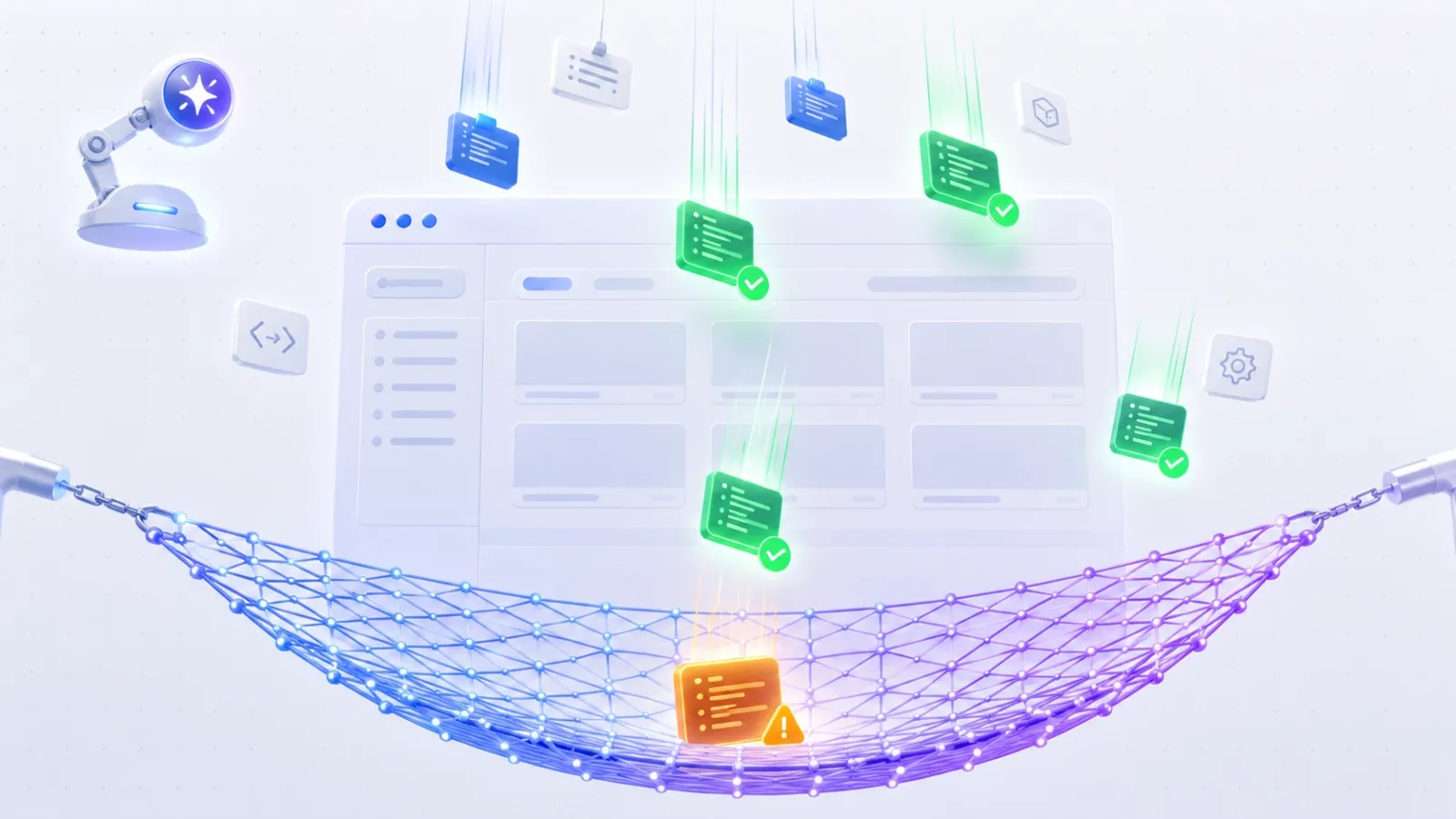
AI coding tools are genuinely good at producing code that looks correct. The logic reads cleanly, the naming conventions are sensible, the structure is familiar. The problem is that "looks correct" and "actually works in a browser across real user flows" are two very different things. I learned this the hard way after shipping an AI-built feature that passed every unit test I had — and then broke silently on a specific viewport width because the AI had written a CSS media query with a logic inversion I never caught in review. That was the moment I made Playwright end-to-end testing non-negotiable on every AI-assisted project. Playwright is now my primary safety net for code I didn't write entirely myself.
Why AI-Built Features Specifically Need E2E Tests
Unit tests verify isolated logic. They're valuable, but they operate on the assumption that the units themselves are correctly designed. When AI generates a component or a feature, it can produce code that is internally consistent — all the unit tests pass — but fails at the integration layer where real users actually live. The AI doesn't know your specific user flows, your actual DOM structure under load, or how your authentication state interacts with a specific feature it just built. Playwright tests exactly that layer.
There's also a subtler issue: AI-generated code tends to handle the happy path well and the edge cases poorly. It builds for the case described in the prompt, not the ten cases your real users will hit on day one. A well-structured Playwright suite forces you to define those edge cases explicitly, which is itself a useful discipline when working with AI assistance.
Getting Playwright Running in Under Five Minutes
Playwright's setup is one of the cleanest in the testing ecosystem. From a project root:
npm init playwright@latest
The init wizard asks you a handful of questions — TypeScript or JavaScript, where to put tests, whether to add a GitHub Actions workflow — and scaffolds everything. You get a playwright.config.ts, a sample test, and a working multi-browser setup targeting Chromium, Firefox, and WebKit out of the box. No manual browser driver management, no separate browser installs beyond what the init handles.
Running your first test:
npx playwright test
Running with the UI mode for visual debugging (this one is genuinely excellent):
npx playwright test --ui
A Real Test Pattern for AI-Generated Features
Here's the pattern I follow when an AI tool generates a new feature. Say Claude Code just built a contact form with validation. Before I consider that feature done, I write a Playwright test that covers the flows the AI didn't think about:
import { test, expect } from '@playwright/test'; test.describe('Contact form — AI-generated feature', () => { test('submits successfully with valid data', async ({ page }) => { await page.goto('/contact'); await page.getByLabel('Name').fill('Dev Ervin'); await page.getByLabel('Email').fill('ervin@example.com'); await page.getByLabel('Message').fill('Testing AI-built form.'); await page.getByRole('button', { name: 'Send' }).click(); await expect(page.getByText('Message sent')).toBeVisible(); }); test('shows validation error on empty submit', async ({ page }) => { await page.goto('/contact'); await page.getByRole('button', { name: 'Send' }).click(); await expect(page.getByText('Name is required')).toBeVisible(); }); test('blocks submission with invalid email format', async ({ page }) => { await page.goto('/contact'); await page.getByLabel('Name').fill('Dev Ervin'); await page.getByLabel('Email').fill('not-an-email'); await page.getByRole('button', { name: 'Send' }).click(); await expect(page.getByText('Invalid email')).toBeVisible(); }); test('is accessible via keyboard navigation', async ({ page }) => { await page.goto('/contact'); await page.keyboard.press('Tab'); await page.keyboard.press('Tab'); await page.keyboard.press('Tab'); await page.keyboard.press('Tab'); const button = page.getByRole('button', { name: 'Send' }); await expect(button).toBeFocused(); }); });
That last test — keyboard navigation — is the one AI tools almost never write unprompted. It's also the one that catches accessibility regressions in AI-generated UI code most reliably.
The Features That Make Playwright the Right Tool Here
Auto-Waiting
Playwright waits for elements to be actionable before interacting with them. No manual waitForSelector calls, no arbitrary setTimeout hacks. This matters enormously when testing AI-generated async flows where the timing assumptions in the code may not match what you'd write yourself.
Trace Viewer
When a test fails — and it will — Playwright's trace viewer gives you a full timeline of DOM snapshots, network requests, and console logs for that test run. For AI-generated code where you're not always certain why something is structured the way it is, this is an invaluable debugging tool.
npx playwright test --trace on
Multi-Browser by Default
Chromium, Firefox, and WebKit run in parallel. AI-generated CSS and JavaScript that works in Chrome but fails in Safari shows up immediately. This is exactly the viewport and rendering edge case category where AI code is weakest.
Codegen — Record Tests From the Browser
For features built entirely by AI that you're not yet familiar with internally, Playwright's codegen lets you record a test by clicking through the feature in a browser:
npx playwright codegen http://localhost:3000
It generates Playwright test code from your interactions. I use this as a starting point, then manually add the edge case tests the recording won't capture.
Integrating Into a CI Pipeline
The init wizard optionally generates a GitHub Actions workflow. The default is solid and runs without modification for most projects. The key setting I always add explicitly is a failure screenshot on test failure:
use: { screenshot: 'only-on-failure', video: 'retain-on-failure', trace: 'retain-on-failure', }
With these three lines in playwright.config.ts, every failing CI run produces a screenshot, a video recording, and a full trace file as artifacts. For AI-generated code where a team member may not have written the feature themselves, this context is the difference between a five-minute fix and a two-hour debugging session.
Rough Edges and Limitations
- Test maintenance cost is real. E2E tests are the most expensive tests to maintain. When AI regenerates or refactors a component, selectors break. Using Playwright's role-based and label-based selectors (as in my examples above) reduces this significantly compared to CSS selectors, but it doesn't eliminate it.
- Slow feedback loop on large suites. Full E2E suites take minutes, not seconds. For rapid AI-assisted iteration, run only the tests relevant to the feature being changed during development, and save the full suite for CI.
- Flakiness on timing-sensitive flows. Even with auto-waiting, sufficiently complex async flows can produce intermittent failures. Network-level mocking with
page.route()helps stabilize these, but it adds setup overhead. - Not a replacement for code review. Playwright tells you that the feature works as tested. It doesn't tell you that the AI-generated implementation is secure, maintainable, or architecturally sound. Pair it with static analysis for a complete picture.
The Honest Case for This Workflow
I'm not suggesting you write exhaustive E2E test suites for every line of AI output — that would eliminate the productivity gains entirely. The approach I've settled on is proportional coverage: for any AI-generated feature that touches user-facing flows, authentication, forms, or data mutations, a Playwright suite is required before merge. For pure utility functions and internal helpers, unit tests suffice. That boundary has caught real bugs in AI-generated code on real projects, and it's given me the confidence to move faster with AI assistance rather than slower. Playwright end-to-end testing isn't about distrusting AI — it's about having a systematic, automated way to verify trust rather than assuming it.