
Here's the problem I keep running into: I let Claude or Copilot write a chunk of code, I review the logic, it looks good, I commit it. Then three days later someone points out that the AI used deprecated syntax, forgot error handling, or wrote a shell script with unquoted variables. The code worked, but it wasn't production-safe. I need a way to catch those issues automatically, inline in the PR, before merge.
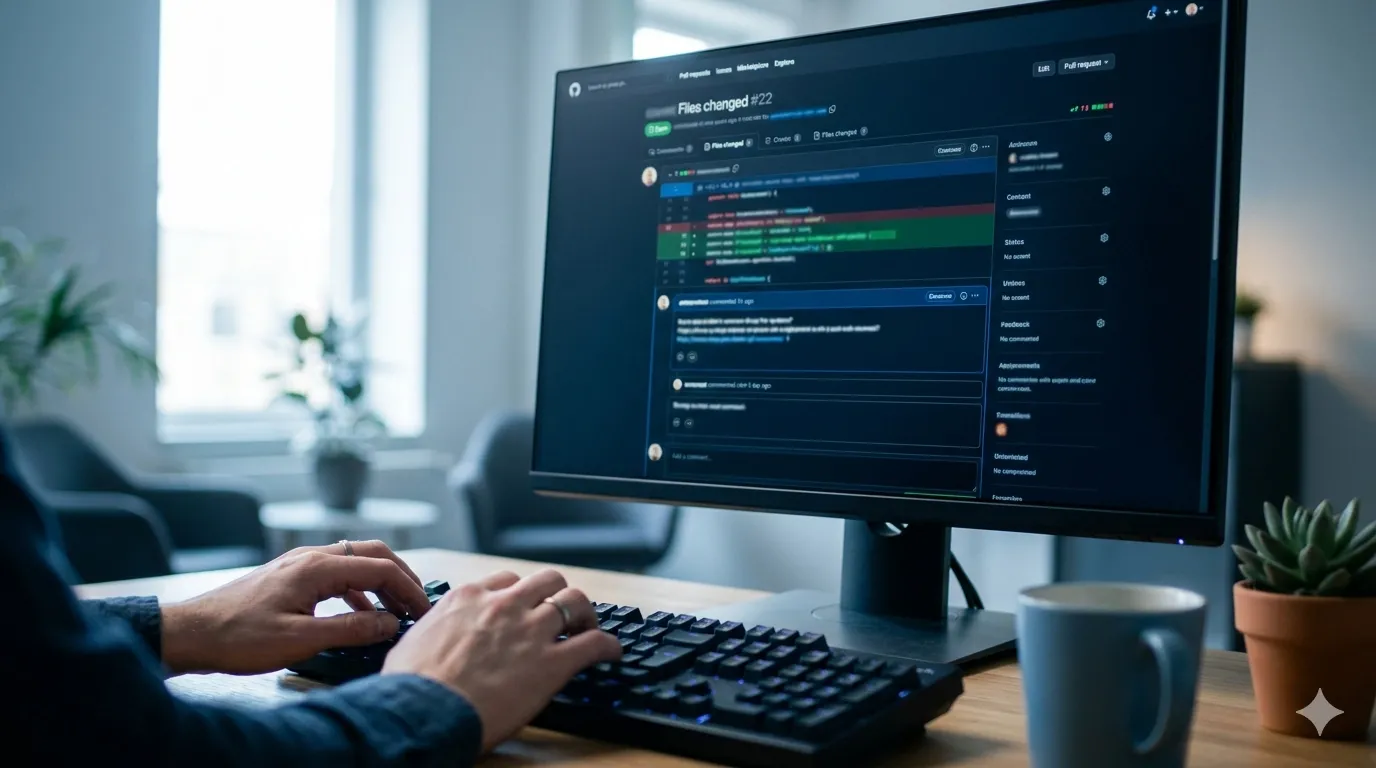
ReviewDog is the tool I just bookmarked to solve that. It's a single Go binary that runs any linter or static analysis tool you already use — ESLint, shellcheck, rubocop, hadolint, whatever — and posts the results as inline review comments on your pull request. Not buried in a CI log. Right on the line where the issue lives, as if a teammate left the comment. It supports GitHub, GitLab, Bitbucket, and local runs. I haven't deployed it yet, but the use case is too clear to ignore.
What ReviewDog Actually Is
ReviewDog is not a linter. It's a linter runner and formatter. You feed it the output of tools you already trust — ESLint, Prettier, rubocop, golangci-lint, shellcheck, hadolint, whatever — and it transforms that output into PR review comments. Instead of reading "line 47: error" in a CI log, you see an inline comment on line 47 of the actual file, in the GitHub/GitLab UI, exactly where you're already reviewing code.
It also de-duplicates comments (so you don't get spammed on every push), supports auto-suggestions (the "apply this fix" button in GitHub), and can run in different modes: as a blocking CI check that prevents merge, or as an informational reviewer that only suggests improvements.
Why It Matters More Now (With AI Writing Code)
When I write code myself, I run the linter locally before committing. It's muscle memory. But when Copilot writes the code, I don't have that same instinct — I review the logic, maybe tweak a variable name, and commit. The AI doesn't run linters. It writes syntactically valid code that passes my eyeball test but might violate style rules, skip error handling, or ignore language-specific best practices.
ReviewDog is the rules-based safety net that runs after AI generation but before human approval. I don't need an LLM to tell me I forgot a semicolon or used var instead of const — I need a fast, deterministic linter that runs every time. ReviewDog makes sure those checks happen automatically and surfaces the results where I'm already looking: in the PR diff.
How It Works (From the Docs)
The setup looks straightforward. For GitHub Actions, you can use pre-built actions for common linters. Here's an example workflow that would run ESLint on every PR:
name: reviewdog
on: [pull_request]

jobs:
  eslint:
    runs-on: ubuntu-latest
    steps:
      - uses: actions/checkout@v4
      - uses: actions/setup-node@v4
        with:
          node-version: 20
      - run: npm ci
      - uses: reviewdog/action-eslint@v1
        with:
          github_token: ${{ secrets.GITHUB_TOKEN }}
          reporter: github-pr-review
          eslint_flags: 'src/**/*.js'
The reviewdog/action-eslint action installs ReviewDog, runs ESLint, and posts comments. The reporter: github-pr-review line tells it to post inline comments instead of just a status check or summary.
For languages or linters without a pre-built action, you pipe your linter output directly into ReviewDog:
- name: Run shellcheck
  run: |
    shellcheck -f checkstyle scripts/*.sh | \
    reviewdog -f=checkstyle -name="shellcheck" \
      -reporter=github-pr-review
  env:
    REVIEWDOG_GITHUB_API_TOKEN: ${{ secrets.GITHUB_TOKEN }}
ReviewDog supports a dozen input formats out of the box (checkstyle, eslint, golangci-lint, rdjson, sarif, etc.) or you can define your own with a regex pattern. The docs show examples for shellcheck, hadolint (Dockerfile linter), yamllint, flake8, and more. Most work with a single command.
The Problems I Expect It to Catch
Based on what I've seen slip through in AI-generated code over the past few months, here's what I'm hoping ReviewDog will flag:
- Unquoted variables in Bash — shellcheck would catch things like
rm $tmpdir/*that should berm "$tmpdir"/*to handle spaces in paths. - Missing error handling — ESLint rules like
no-unhandled-promisewould catch async calls without.catch()blocks that Copilot often writes. - Deprecated syntax — Language-specific linters would flag older patterns that AI models learned from legacy codebases but shouldn't be used in new code.
- Dockerfile anti-patterns — hadolint would warn about multiple
RUNcommands that should be chained, or missing--no-install-recommendsflags that bloat image size. - Security patterns — Tools like bandit (Python) or gosec (Go) would catch unsafe practices that AI might copy from Stack Overflow without understanding the context.
None of these are showstoppers on their own, but they compound. ReviewDog would surface them early, in-context, before anyone wastes time reviewing code that won't pass CI anyway.
Why I'm Bookmarking This Instead of Just Reading CI Logs
Right now, our CI runs linters and prints errors to the console. If a check fails, I have to click through to the Actions log, scroll through 200 lines of npm or pip output, find the actual error, mentally map it back to the file, open the file, fix it, and push again. That's a five-minute round trip, minimum, and it breaks my context.
ReviewDog collapses that loop. The error appears on the line that's wrong, in the PR diff I'm already reviewing. I can see it immediately, fix it in the GitHub editor or locally, and move on. The docs claim it's a 30-second fix cycle instead of five minutes. If that's true — and it looks like it should be — that difference compounds fast across a dozen PRs a week.
It also creates a paper trail. If I decide to ignore a linter warning, I can leave a reply comment explaining why ("This is generated code from a vendor SDK, we don't control the style"). That context lives in the PR history, not lost in Slack or a commit message.
Potential Rough Edges (Based on the Issues Tab)
I spent some time reading the GitHub issues and discussions to see where people hit problems. A few things to watch for:
- Comment limits: GitHub's API limits how many comments can be posted on a single PR (around 30-50). If your linter explodes with hundreds of errors, you'll only see the first batch. The workaround is to fix the obvious stuff first or run linters locally before opening the PR.
- No auto-fix by default: ReviewDog can post suggestions, but you have to apply them manually in the GitHub UI or pull the branch locally. Some people have set up workflows that auto-commit fixes, but that's not built-in and requires careful permission tuning.
- Per-linter setup: Each linter needs its own workflow step or action. If you run six different linters, that's six blocks in your YAML. It's not hard, but it's not zero-config either.
- Token permissions: You need to grant the workflow write access to pull requests. The default
GITHUB_TOKENusually works, but some orgs lock down permissions and you'll need to configure it explicitly in the workflow or repo settings.
How I Plan to Test It
I'm going to start with a low-traffic side project that has a mix of languages: shell scripts for deployment, JavaScript for a small frontend, and a Dockerfile. I'll set up ReviewDog for shellcheck, ESLint, and hadolint, run it on a few existing PRs (including some with known issues), and see if the inline comments are genuinely useful or just noise.
If the signal-to-noise ratio is good — meaning most comments point to real issues I'd want fixed — I'll propose it to the team for our main repos. The pitch would be: "This catches style and safety issues automatically, inline in the PR, so human reviewers can focus on logic and architecture instead of syntax."
The risk is alert fatigue. If ReviewDog leaves 20 nit-picky comments on every PR, people will start ignoring it. I'll need to tune the linter rules carefully and maybe start with a "suggestion" mode (non-blocking) instead of a "required check" mode until the team trusts it.
Pairing It With AI-Powered Review
ReviewDog and AI review tools like PR-Agent are complementary. ReviewDog enforces rules you already know: style guides, security patterns, language idioms. It's fast, deterministic, and free. AI reviewers reason about logic and intent: does this function do what the name says? Is there a subtle bug? Could this be refactored?
The ideal stack (which I'm planning to test) is:
- AI assistant (Copilot, Claude, etc.) writes the code.
- I review logic and commit.
- ReviewDog runs linters in CI, posts inline style/safety comments.
- AI reviewer (like PR-Agent) analyzes logic and suggests improvements.
- Human reviewer focuses on architecture, product fit, and edge cases.
Each layer catches different classes of problems. ReviewDog is the fastest and cheapest (runs in seconds, costs nothing). AI review is slower and costs API credits but catches deeper issues. Human review is slowest but handles the judgment calls. If I had to pick just one automated layer, I'd pick ReviewDog — it solves the "I forgot to run the linter" problem that AI-assisted workflows make worse. But the real win is running all three.
Why This Bookmark Is High-Priority
Two weeks ago I merged a Copilot-written Node.js module that worked perfectly in dev. In production, it caused an unhandled promise rejection that crashed the service. The root cause: an async HTTP call without a .catch() block. ESLint would have caught it if I'd remembered to run it locally. I didn't. CI ran it, logged the error, but I didn't check the logs because the PR looked fine and tests passed.
ReviewDog would have posted the error as an inline comment on the exact line. I would have seen it while reviewing the PR, before merge, at zero extra effort. That's why it's bookmarked at the top of my "test next sprint" list. It's not flashy, but it plugs a real gap in the AI-assisted workflow: the gap between "AI wrote it" and "I trust it enough to ship."
WHY I'D USE IT (valid HTML, 2 short paragraphs — my personal use case):
I'd use ReviewDog to automatically enforce linting and static analysis on every PR without having to remember to run tools locally. When I'm moving fast with AI-generated code, I don't want to context-switch out of my editor to run shellcheck or hadolint manually — I want CI to catch issues and show them to me inline, exactly where they need to be fixed, so I can address them in seconds instead of minutes.
I'd also use it to reduce the manual review burden on the team. Instead of senior developers leaving comments about missing error handling, style violations, or deprecated syntax, ReviewDog handles that automatically. Human reviewers can focus on the hard stuff — architecture, logic, edge cases, product fit — while the bot takes care of the mechanical checks that don't require judgment but slow down every PR.