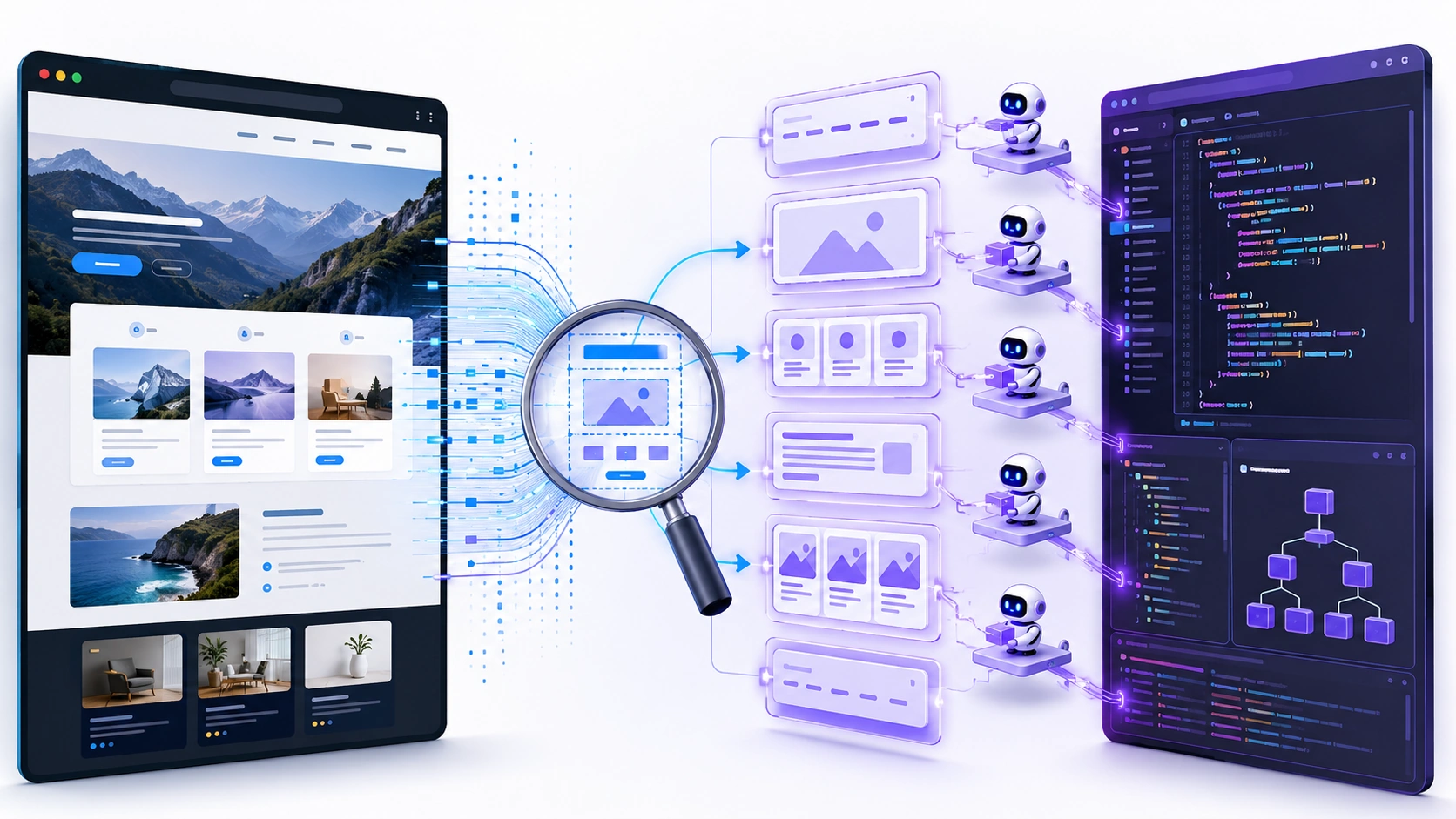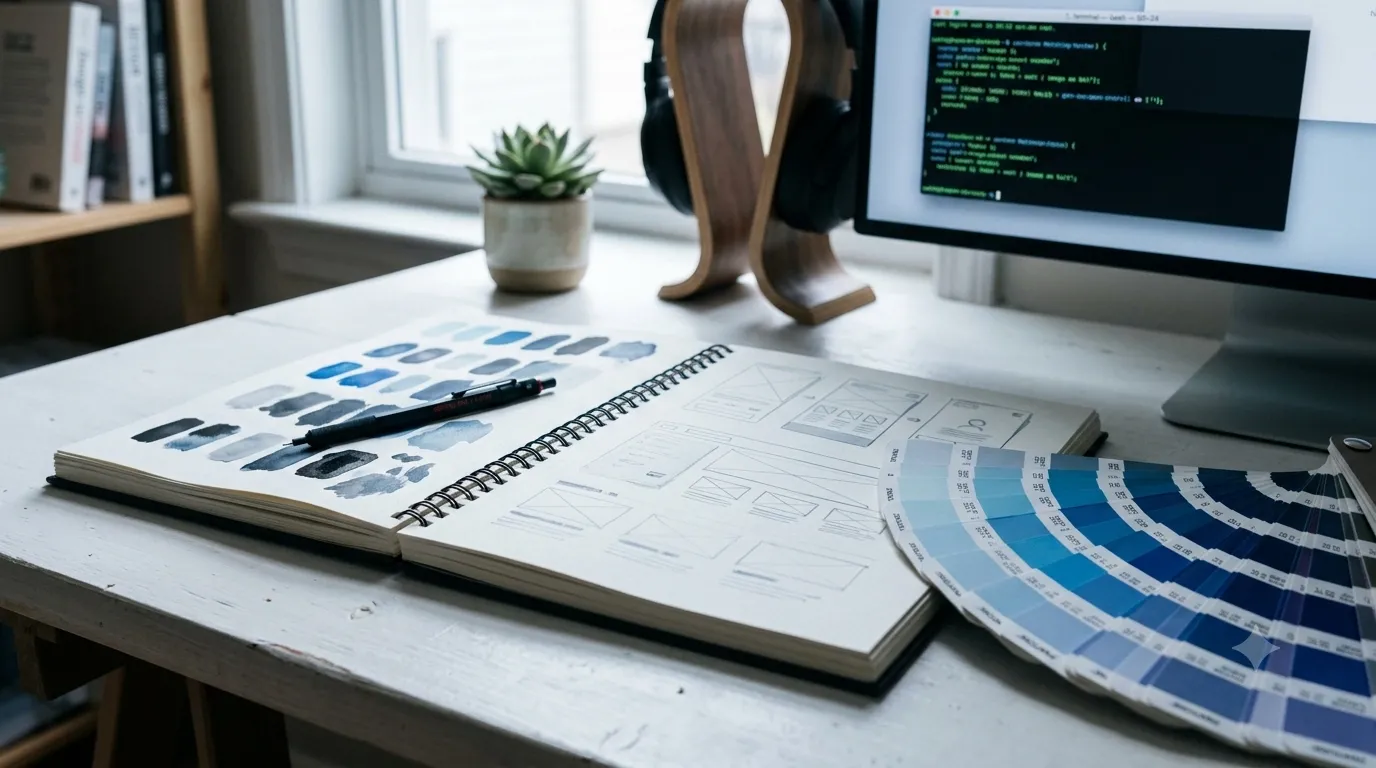
One of the most consistent failure modes I see when using AI coding assistants for frontend work is the aesthetic mediocrity of the output. The code compiles. The layout roughly works. But the color palette is generic, the typography is whatever the model decided felt right, and the spacing tells you immediately that no human designer touched it. UI UX Pro Max attacks that problem directly: it's a structured AI skill — a collection of reasoning rules, curated databases, and a Python-based search engine — that you install into your AI assistant of choice and that automatically fires whenever you ask for UI work. The result is that instead of your agent guessing at design decisions, it consults 161 industry-specific reasoning rules, 84 named UI styles, 192 color palettes, and 74 font pairings before writing a single line of code.
What an "AI Design Skill" Actually Means Here
The framing matters. UI UX Pro Max is not a component library. It's not a Figma plugin. It's not a CSS framework. It's a skill file — structured knowledge injected into an AI coding assistant's context — plus a Python search engine that the agent can call to look up design recommendations programmatically. When you ask Claude Code or Cursor to "build a landing page for my fintech app," the skill activates, the search engine runs five parallel domain lookups (product type, UI style, color palette, landing page pattern, typography), applies BM25 ranking to find the closest matches, filters industry-specific anti-patterns ("no crypto-wallet dark patterns for banking"), and outputs a complete design system specification before a single component is generated.
The ASCII output from the design system generator is worth looking at directly — it's unusually concrete for a tool like this:
# Run the design system generator directly from your project python3 .claude/skills/ui-ux-pro-max/scripts/search.py \ "beauty spa wellness" \ --design-system \ -p "Serenity Spa" # Output includes: pattern, style, color hex codes, font pairings, # key effects, anti-patterns to avoid, and a pre-delivery checklist
That last part — the pre-delivery checklist — is what distinguishes this from a "generate some colors" utility. It outputs actionable reminders: no emojis as icons (use SVG: Heroicons or Lucide), cursor-pointer on all clickable elements, hover states with 150–300ms transitions, minimum 4.5:1 contrast ratio, prefers-reduced-motion respected, responsive breakpoints at 375/768/1024/1440px. These are the things AI-generated UIs routinely skip.
Installing It: Pick One Path Per Assistant
The recommended install path is the npm CLI, which handles generating the correct file structure for your specific AI assistant:
# Install the CLI globally npm install -g ui-ux-pro-max-cli # Navigate to your project root cd /path/to/your/project # Install for your assistant of choice uipro init --ai claude # Claude Code → .claude/skills/ uipro init --ai cursor # Cursor → .cursor/skills/ uipro init --ai copilot # GitHub Copilot uipro init --ai gemini # Gemini CLI # Global install (applies to all projects) uipro init --ai claude --global # → ~/.claude/skills/
The Claude Marketplace path (/plugin install ui-ux-pro-max@ui-ux-pro-max-skill) also works, but versions prior to v2.5.1 had a symbolic link issue that caused some installation tools to fail. If that happens, fall back to the CLI path above — it's more reliable and is the canonical install route going forward.
One Python dependency note: the search scripts require Python 3.x (standard library only, no pip installs, no network calls). Check with python3 --version before expecting the design system generator to run. The tool is explicit that AI agents should never install Python for you — they're instructed to ask instead.
The Reasoning Engine: 161 Rules With Real Industry Logic
The part I find most credible here is the anti-pattern filtering. It's easy to generate a color palette; it's harder to know what not to use for a given industry. UI UX Pro Max encodes that negative knowledge explicitly. For a banking app: no "AI purple/pink gradients," no harsh animations, no dark mode by default. For a children's educational app: Claymorphism is recommended, Brutalism is an anti-pattern. For a cybersecurity platform: HUD/Sci-Fi FUI is appropriate; Y2K Aesthetic is not.
The 161 rules cover an impressively broad set of categories:
- Tech and SaaS — SaaS, Micro SaaS, B2B, Developer Tools, AI/Chatbot Platforms, Cybersecurity
- Finance — Fintech, Banking, Insurance, Personal Finance, Invoice and Billing
- Healthcare — Medical Clinic, Pharmacy, Mental Health, Medication Reminder
- E-commerce — General, Luxury, Marketplace, Subscription Box, Food Delivery
- Creative and Lifestyle — Portfolio, Photography, Gaming, Meditation, Mood Tracker
- Emerging Tech — Web3/NFT, Spatial Computing, Quantum Computing (yes, really)
Each rule produces a complete output: recommended landing page pattern, style priority ranking, color mood direction, typography personality, key interaction effects, and an explicit anti-pattern list. That's a meaningful amount of design knowledge encoded in a queryable format.
Persisting Your Design System Across Sessions
One workflow detail worth calling out is the --persist flag, which outputs a design-system/MASTER.md file plus optional page-level override files. This solves a real problem with AI-assisted frontend development: design consistency across sessions. Without persistence, each new conversation starts from scratch and the agent makes fresh (potentially inconsistent) decisions about colors and spacing.
# Generate and persist the master design system python3 .claude/skills/ui-ux-pro-max/scripts/search.py \ "SaaS dashboard" \ --design-system \ --persist \ -p "MyApp" # Generate a page-specific override (only deviations from Master) python3 .claude/skills/ui-ux-pro-max/scripts/search.py \ "SaaS dashboard" \ --design-system \ --persist \ -p "MyApp" \ --page "dashboard"
The resulting design-system/ folder gives you a MASTER.md as the global source of truth and a pages/ directory for page-specific overrides. You then reference these in your prompts explicitly: "I'm building the Checkout page — read design-system/MASTER.md, check if design-system/pages/checkout.md exists, prioritize the page file if it does." It's a lightweight but effective design token layer for AI-driven projects.
Stack Coverage Is Genuinely Broad
UI UX Pro Max provides stack-specific guidelines across 22 frameworks — not just web. React, Next.js, Vue, Nuxt, Svelte, Astro, Angular, Laravel (Blade, Livewire, Inertia.js), SwiftUI, Jetpack Compose, React Native, Flutter, Three.js, and several desktop frameworks including JavaFX, WPF, WinUI 3, Avalonia, and Uno Platform. The JavaFX coverage in particular is unusual — specific guidelines for AtlantaFX theming, enterprise table density, and permission-aware components aren't something you find in most design tools.
Rough Edges and Limitations
- Quality depends on your agent's context window management. The skill injects a meaningful amount of context. On agents with aggressive context compression or small effective windows, some of the design database may get dropped before the code generation step. The
--persistworkflow mitigates this by keeping design decisions in files rather than context. - The premium tier is real and relevant. The open-source CE covers UI/UX intelligence well. Brand identity generation, logo design, corporate identity programs, and AI image asset creation are behind the paid tier at uupm.cc. If your workflow needs those surfaces, budget accordingly.
- Python 3.x is a real dependency. On some developer machines — especially Windows setups without a proper Python install — the design system generator commands will silently fail or throw errors. The troubleshooting section in the README handles this, but it's an onboarding friction point worth knowing about upfront.
- 84 styles is a lot to navigate. The style catalog is comprehensive, which is genuinely useful once you know it. But "Biomimetic / Organic 2.0," "Chromatic Aberration / RGB Split," and "Tactile Digital / Deformable UI" require some context to evaluate. First-time users may need to spend time with the style table before they trust the recommendations.
- Auto-activation varies by harness. On some assistants (Kiro, GitHub Copilot, Roo Code), you need to use the explicit
/ui-ux-pro-maxslash command. On others it activates automatically on UI-related requests. The README documents which mode applies to which tool, but it's worth checking before assuming it's running.
The Honest Case for This Tool
If you're a developer who builds UIs frequently with AI assistance and you keep getting outputs that are technically correct but visually generic, UI UX Pro Max is the most structured attempt I've seen to solve that problem within the AI agent workflow rather than around it. It doesn't require you to become a designer. It encodes the decisions a designer would make — which style fits this industry, which color mood fits this brand, which anti-patterns to avoid — into a queryable knowledge base that your agent consults before generating code. That's a meaningful upgrade over hoping the model makes good aesthetic choices by default.
Internal link suggestion: link "shadcn/ui" or "stack-specific guidelines" to a future DevTools post covering shadcn/ui or Tailwind CSS configuration patterns, which would pair naturally with this tool's React and Next.js coverage.